10 Free Study Resources for Students: Independent Comparison (2026)
A source-checked comparison of 10 genuinely useful free study resources, including the best option for math, flashcards, research, focus, and visual learning.
Carlos M.
High School Senior
We reviewed the providers’ public pages for basic access, account requirements, and meaningful free-tier limits. A resource appearing here is not an endorsement or a guarantee that every feature will remain free.

Study Techniques · EZ Grades
Students on Reddit often surface useful tools, but a popular comment is not the same as a reliable recommendation. This page began as a roundup of study resources discussed in communities such as r/learnmath and r/GetStudying. For this refresh, I checked each provider’s own public information so the comparison tells you what is actually free, when an account helps, and where a tool stops being useful.
How to Use This Comparison
Pick a resource for one job. Do not collect ten tabs because someone online called them “must-have.” If you need to rebuild a subject, choose an instruction-and-practice tool. If you need to remember facts, choose flashcards. If you need to explain a confusing idea visually, choose a video or diagram tool. Most of the tools below are best as a small part of a study system, not as a replacement for a class, teacher, or your own practice.
10 Free Study Resources at a Glance
| Resource | Best for | What is free | Account needed? | Important limitation |
|---|---|---|---|---|
| Khan Academy | Building foundations and doing practice | Core lessons and practice | No for basic access; free account tracks progress | Without an account, you cannot save progress |
| Anki | Remembering vocabulary and facts | Desktop, Android, and AnkiWeb sync | Only for syncing | The official iPhone app is a separate purchase |
| MIT OpenCourseWare | Going deeper in a college-style topic | Open course materials | No | Materials do not come with MIT credit or a certificate |
| Coursera | Sampling structured courses | Often a first-module preview; some no-certificate access | Yes, to enroll | Certificates and full access are usually paid |
| [Wolfram | Alpha](https://www.wolframalpha.com/) | Checking calculations and exploring math/science | Basic personal web queries | No for ordinary queries |
| 3Blue1Brown | Seeing math ideas visually | Public lessons and videos | No for viewing | Great explanation, but not a full practice course |
| Pomofocus | A simple browser focus timer | Core timer and task features | No for ordinary timing | Free tier has a three-template limit |
| Notion | Organizing notes and projects | Individual Free plan | Yes | Free uploads are limited to 5 MB per file |
| Zotero | Sources, citations, and research papers | Core desktop and citation tools | Only for sync/online library | Free Zotero-hosted attachment storage is 300 MB |
| Excalidraw | Diagrams, flowcharts, and visual notes | Editor, collaboration, and local export | No | Save files regularly; browser storage can disappear |
1. Khan Academy: Best First Stop for a Weak Foundation
Khan Academy is the strongest first tab when the real issue is “I do not understand this unit yet.” Its core content is free and covers school subjects from math and science to computing and test preparation. You can open lessons without an account, while a free account is useful if you want saved progress and practice history.
Use it before answer-checking tools. Watch one short lesson, attempt a few problems without notes, then write down the exact skill you still miss. That gives you something useful to search for next instead of repeating an entire unit.
2. Anki: Best for Facts You Need to Recall Later
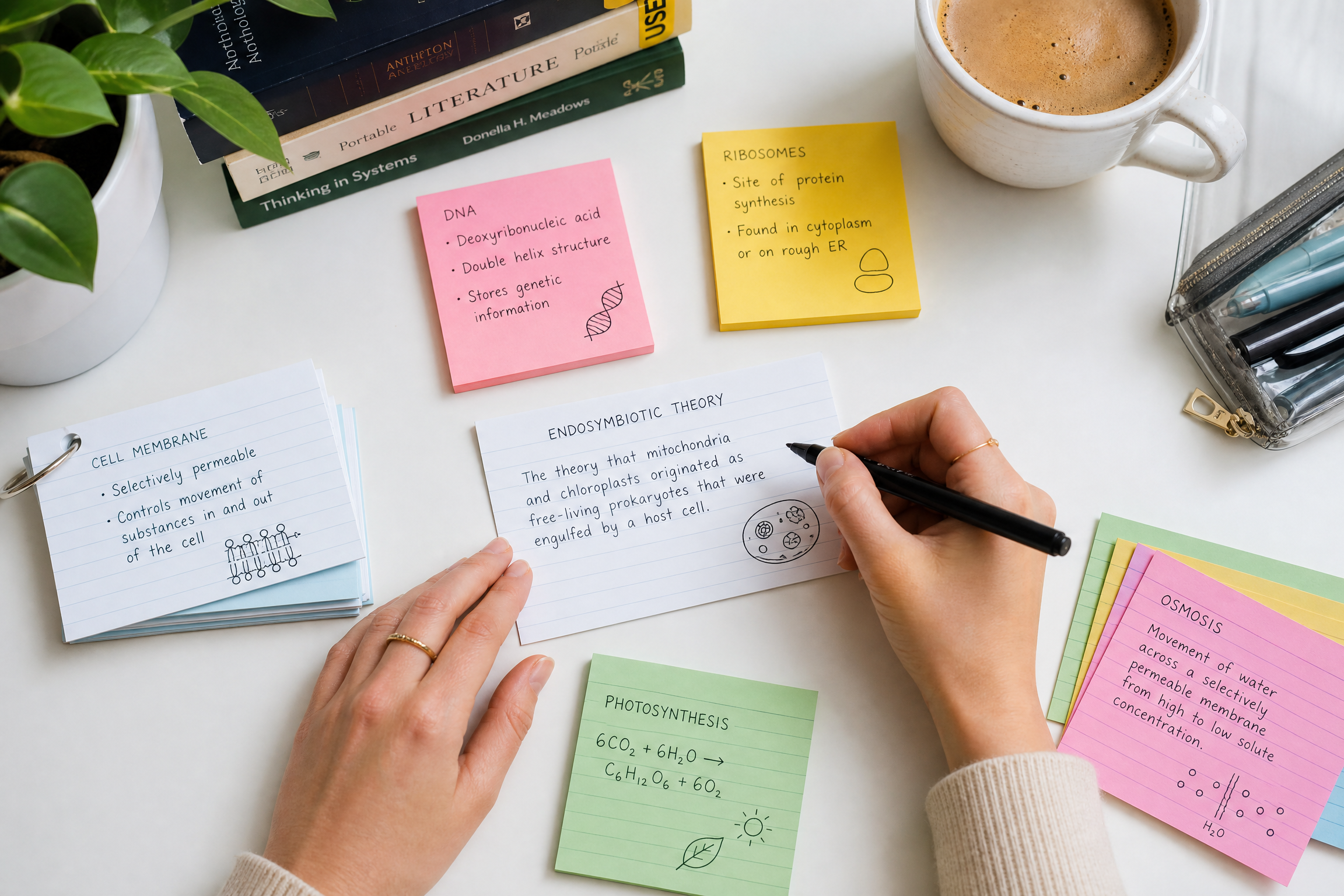
Anki works when you need to retrieve information from memory: biology terms, dates, vocabulary, formulas, medication names, or a language. The desktop app, Android app, and AnkiWeb sync are free. You only need the free AnkiWeb account if you want your decks to move between devices.
The tradeoff is setup. A deck with one clear question per card is useful; a deck with whole textbook paragraphs is not. The official iPhone app is a separate purchase, and AnkiWeb may remove inactive stored data after a long period, so keep a local copy of work you care about.
3. MIT OpenCourseWare: Best for Going Beyond a Short Explanation
MIT OpenCourseWare is a free library of course materials, not enrollment in an MIT course. There is no account requirement, and you can browse lectures, readings, assignments, and other materials at your own pace. It is excellent when you already know the topic you want to deepen.
It is less useful when you need a sequence chosen for you or a person to mark your work. Think of it as a high-quality library shelf, not a live class.
4. Coursera: Useful to Sample, Not Automatically Free for Everything
Coursera is often described online as “free,” but the dependable free option is usually a preview of the first module. A smaller set of courses may offer full access without a certificate. You need an account to enroll, and course-by-course access can differ.
That does not make it a bad resource. It just means you should check the exact enrollment screen before building a study plan around a course. Do not promise yourself a certificate or every assignment until you see what the individual course includes.
5. Wolfram|Alpha: Best for Checking, Not Copying
Wolfram|Alpha is useful for checking a calculation, plotting an equation, or exploring a math or science result. Basic web use is free for personal, noncommercial queries, and an account is not normally needed for an ordinary search. The important catch: the step-by-step solution feature is generally a paid Pro feature.
Use it after you have attempted the problem on paper. Compare your setup and answer, then close the tab and redo the problem yourself. If you only read the final result, you lose the part that makes the next question easier.
6. 3Blue1Brown: Best for Seeing Why a Math Idea Works
3Blue1Brown’s public videos are especially good when a formula feels like a string of symbols with no meaning. The lessons use animation to show relationships in linear algebra, calculus, probability, geometry, and related topics. You do not need an account to watch.
Pair the video with actual problems. A visual explanation can make a concept click, but it does not automatically build the speed or accuracy you need on homework or a test.
7. Pomofocus: Best for a Low-Friction Focus Session
Pomofocus provides a simple browser-based Pomodoro timer with task support. You can use ordinary timer sessions without signing in. It is a better choice than a complicated productivity app when you just need to start a 25-minute work block.
The free version has a three-template cap, and deeper reports and integrations are paid features. That is fine for most students: a timer only has to make it easier to begin and return from a break.
8. Notion: Best for One Organized Home Base
Notion’s individual Free plan can hold notes, databases, calendars, and simple project systems. An account is required, and free-plan uploads are capped at 5 MB per file. That makes it useful for a planner, assignment list, or reading tracker, but less ideal for storing large video files or a messy archive of every document.
Start with one page for deadlines and one page for active courses. Building an elaborate dashboard is not studying.
9. Zotero: Best for Research Papers and Citations
Zotero is a free reference manager for collecting sources, organizing research, and creating citations and bibliographies. You can use the desktop app locally without an account. A free account matters when you want to sync your library or access it online.
The key limit is file storage: the free Zotero-hosted attachment allowance is 300 MB. The citation tools are still free, so this is usually a storage-planning issue rather than a reason to avoid the app.
10. Excalidraw: Best for Mapping a Topic on One Page
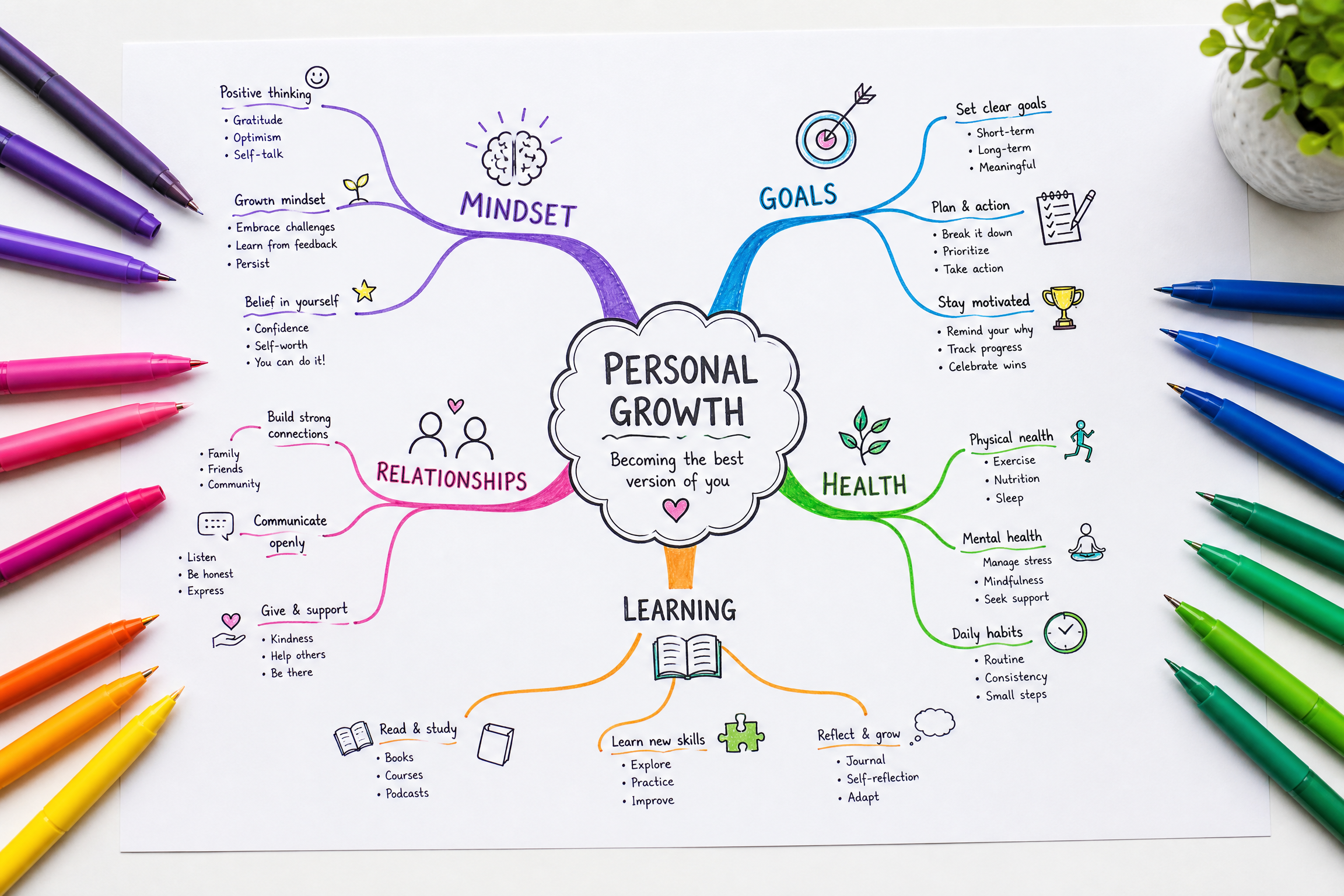
Excalidraw is a free, no-account-friendly way to sketch a flowchart, mind map, process diagram, or visual study sheet. You can collaborate and export locally without a cloud workspace.
Do not rely only on browser storage. Save a file when you finish a useful diagram, especially before clearing browser data or switching devices.
A Simple Choice Guide
Choose Khan Academy when you need to learn and practice a skill. Add Anki when the problem is memory. Use Wolfram|Alpha only to check work you attempted first. Use 3Blue1Brown when you need a visual explanation. Use Pomofocus when getting started is the hard part. Use Zotero when your assignment includes sources and citations.
If you are preparing for the GED, begin with our GED Prep Hub [blocked], choose a subject-specific practice set [blocked], and use one of these tools only for the gap you find. A resource list is useful when it leads to a next action, not when it becomes a new form of procrastination.
Frequently Asked Questions
Q: Do I need every resource in this comparison?
No. Pick one instructional resource, one memory tool if you need one, and one simple way to organize or focus. Add another tool only when it solves a problem the first one does not.
Q: Are “free” study tools always free forever?
No. Providers can change plans, limits, or account requirements. That is why this page links to the provider pages and names meaningful limits instead of treating every feature as permanently free.
Q: Can these replace a teacher or tutor?
They can support independent study, but they cannot always spot why you made a specific mistake. Ask a teacher, tutor, librarian, or classmate when the same problem keeps returning.
Q: Which resource helps most with a research paper?
Use Zotero for sources and citations, Purdue OWL for writing and citation guidance, and your library databases for credible research materials.
Related Articles
My Honest Review of Active Recall After Using It for One Full Semester
I Made Mind Maps for Every Chapter of My History Textbook — Here's What Happened
